A QR code in a gaming chat should be treated as an unread address or action request, not as proof of the sender's identity. Preview what it opens, verify the request independently, and stop if a payment, login or download is unexpected. If you already interacted with it, record exactly which actions occurred before deciding how to respond.
Sources: How to protect against phishing attacks - Microsoft Defender for Endpoint | Microsoft Learn
Direct answer
Do not let the square pattern replace the checks you would apply to an ordinary link. Microsoft's phishing guidance explains that deceptive messages try to obtain information or lead people into harmful actions. A code can carry a destination without displaying that destination plainly in the message. Its visual neatness does not authenticate the person who posted it.
Separate three questions. Who sent the message, what does the destination claim to be, and what action does it request? A familiar display name may not answer the first question. A branded page may not answer the second. An approval screen is a new decision, not the inevitable final step after scanning.
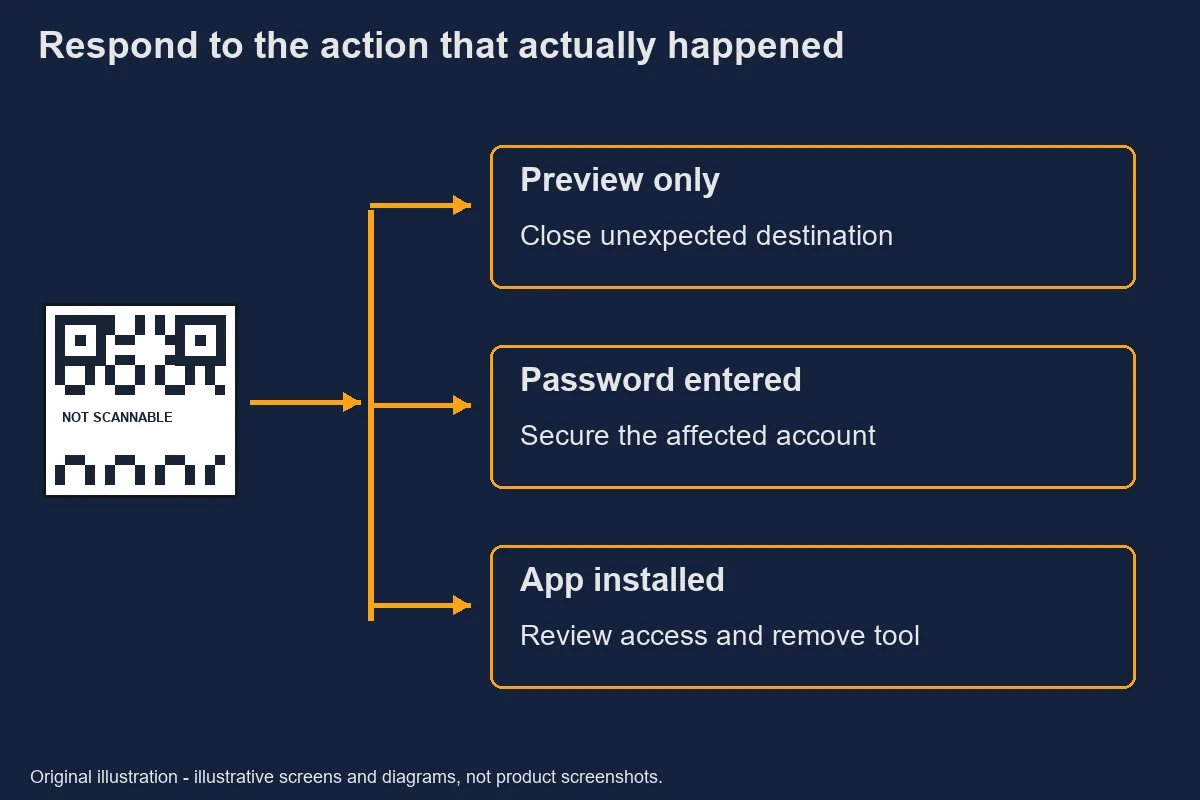
Keep the response proportionate to what happened. Previewing a destination, entering a password and installing a file are different events. Reporting them accurately helps the affected provider select the right investigation instead of receiving a vague claim that a code hacked the phone.
How to protect against phishing attacks - Microsoft Defender for Endpoint | Microsoft Learn · Retrieved 2026-10-31.How QR lures appear in chats
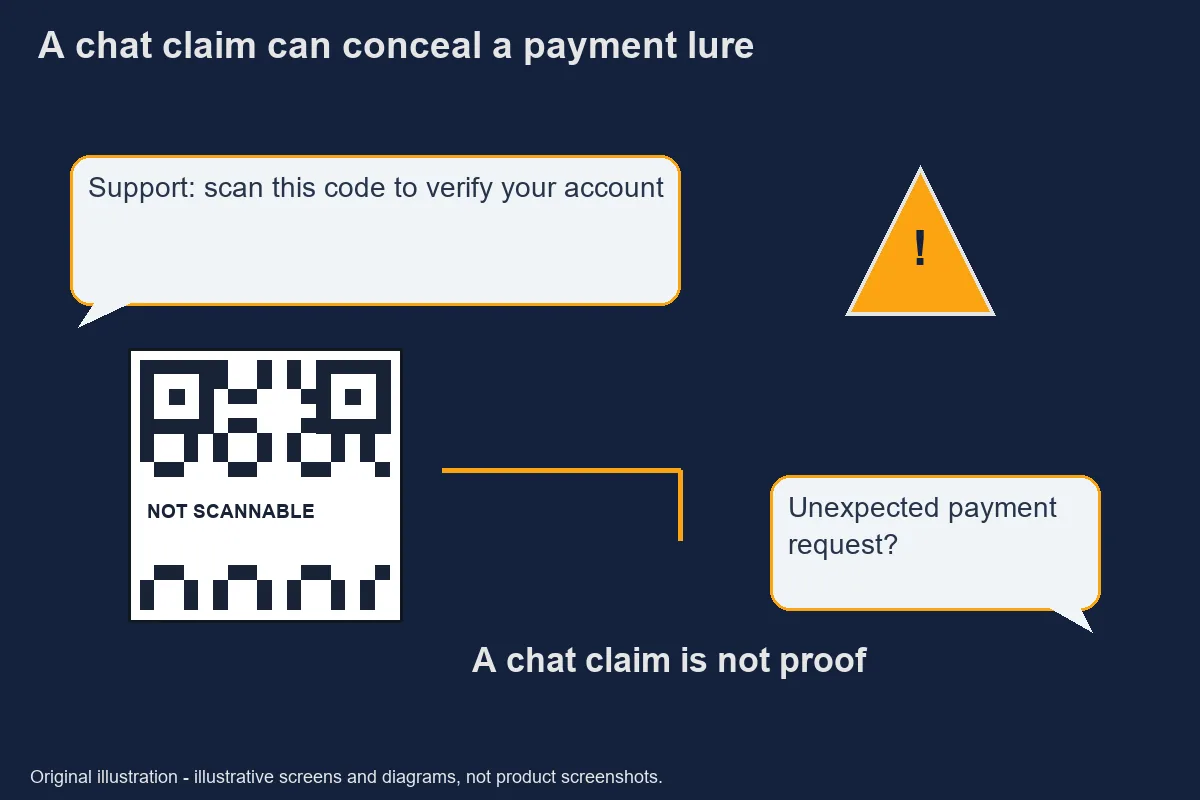
A suspicious code often becomes persuasive through its surrounding story rather than the pattern itself. An illustrative message might say that scanning is required to confirm a support request, collect a reward or verify an account. These are fictional examples of pressure, not reports about a named operator.
Consider whether you asked for that action. An unexpected request deserves an independent check even if it follows a genuine conversation. Do not accept a new payment requirement because someone says that it replaces an earlier support procedure. A change of process is a reason to pause and verify.
Look for missing context. A message may name a service without explaining the recipient, amount, purpose or destination. Asking those questions is not being difficult. They are the information needed to decide whether an action matches what you intended.
Never test a suspicious request with a small transfer. That still sends money and may confirm to a scammer that you will act. A technical check should not require a financial experiment, a security code, or a remote-control session.
Original safety illustration; not a record of an actual incident. Preview the destination before opening
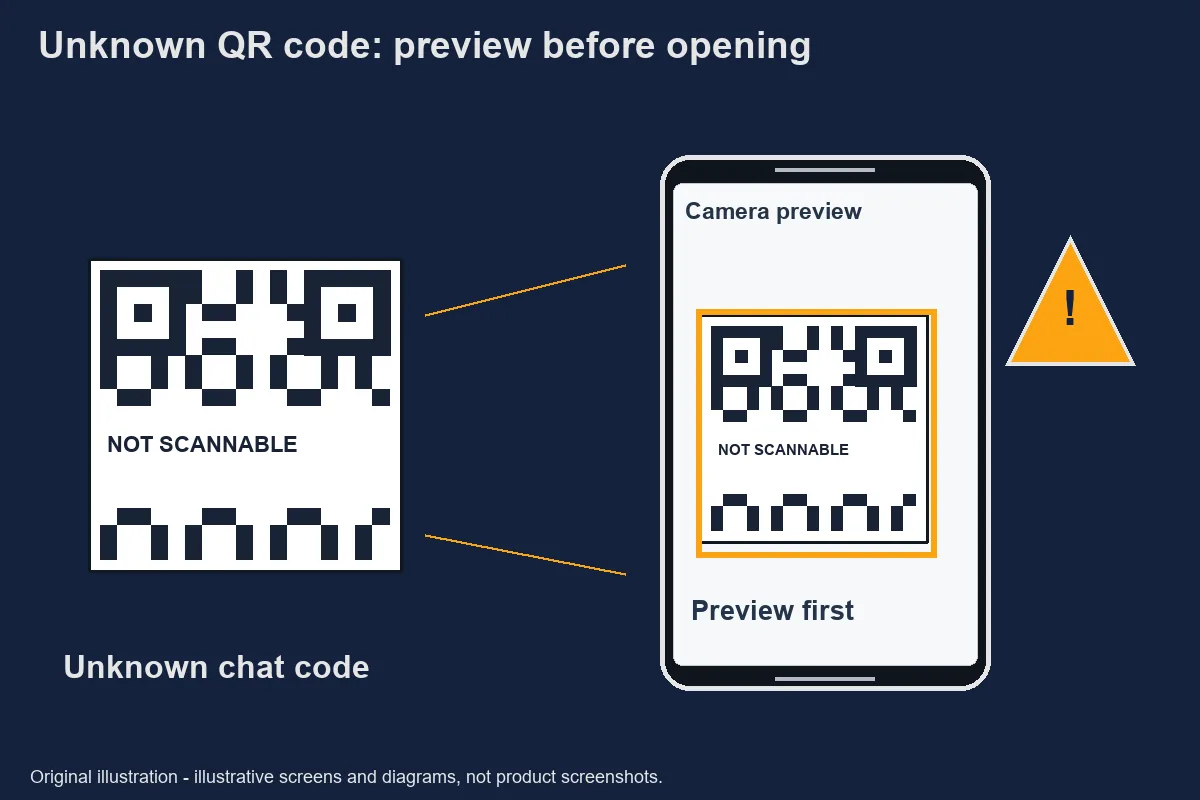
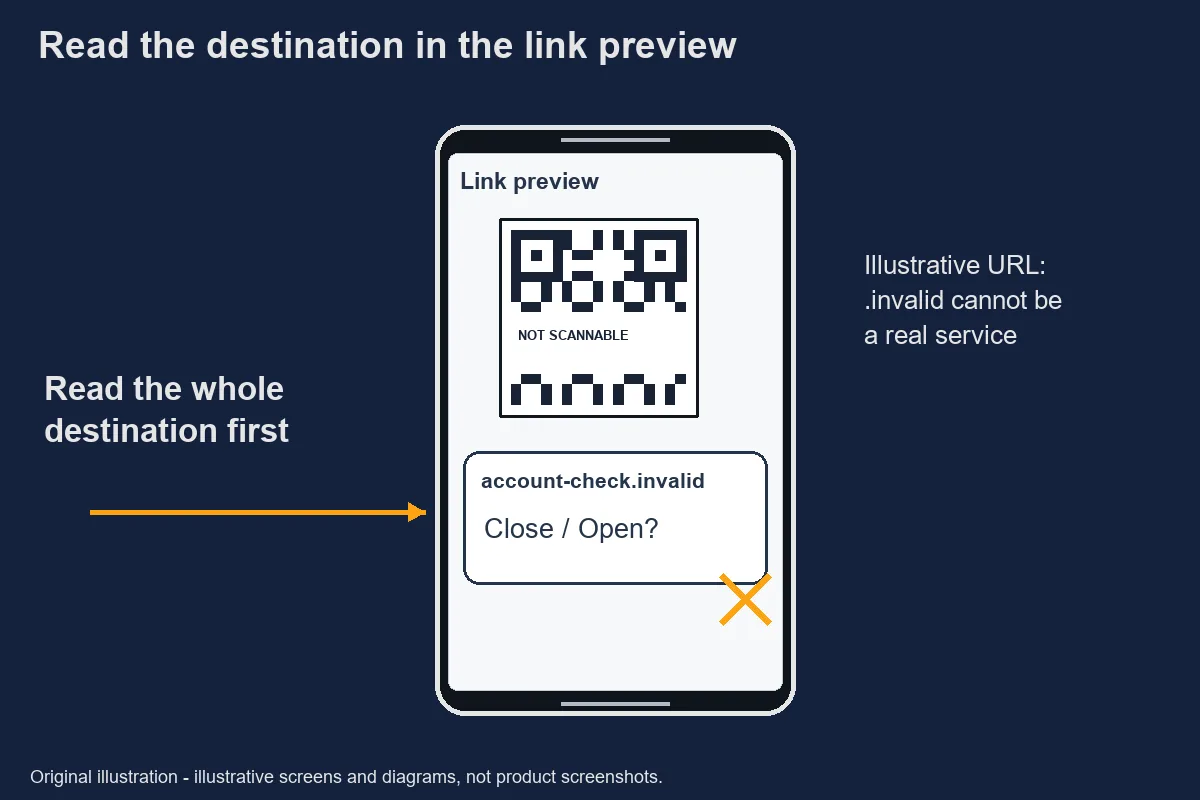
The preview should let you inspect the address before committing to the next action. Use a recognised camera or scanner and read the actual destination. If your phone opens a page without a useful preview, close it and reconsider the request rather than assuming that automatic opening equals approval.
Read the address as a whole. The visible brand word, page title or icon is not the complete destination. Do not rely on a shortened address to establish who controls the page. If the address is unclear, use a separately obtained official route instead of trying to decode trust from the message's appearance.
Keep private codes private. A payment or account-related code can contain information you should not upload to an unknown decoding website. This article does not provide a working example code; its illustration is an abstract, deliberately non-scannable pattern.
If opening the destination produces another request, assess that request separately. A scan does not authorise a file installation, browser notification, login or payment. Refusing an unexpected follow-up is a valid stopping point, even if the sender says that you are almost finished.
Original safety illustration; not a record of an actual incident. If you already scanned
The next step depends on what you did after scanning, so write a short action timeline first. Include whether you only saw a preview, opened a page, typed credentials, approved a transaction or installed software. Do not guess that all of those events occurred because one is possible.
If credentials were exposed, use a trusted device and the account provider's independent security route. Google's compromised-account guidance covers reviewing security events, devices and recovery information. Those checks concern Google accounts; other providers have their own processes, which should not be invented from Google's menu names.
If software was installed on Android, review the exact application and any warnings using official settings and Play Protect. Google's security checks can help identify potentially harmful apps, but they do not establish a refund decision or prove that every affected account is secure. Keep device and service responses separate.
If a payment was authorised, contact the affected payment provider through a route you independently recognise. Preserve the transaction reference privately. Do not post a full receipt in a public chat, and do not pay a second person who promises to reverse the first payment.
Original safety illustration; not a record of an actual incident. Use Google Play Protect to help keep your apps safe & your data private - Google Play Help · Retrieved 2026-10-31. Secure a hacked or compromised Google Account - Google Account Help · Retrieved 2026-10-31.Reporting
A useful report describes the message and the action without exposing further secrets. Record the time, sender identifier, destination shown and the specific account or transaction involved. Preserve original evidence privately rather than altering it to fit an explanation you have not confirmed.
The CICC homepage and some GCash help endpoints returned access restrictions during this check. Their current reporting steps are therefore pending verification [待核實]. We do not supply a guessed form, response deadline or telephone number. Use the affected service's independently verified help route for immediate account concerns.
Distinguish an allegation from a confirmed event. “I entered my password on this address” is a factual observation. “This entire brand is fraudulent” is a much broader claim that the evidence may not support. A precise report gives investigators information without spreading an unsupported accusation.
Keep follow-up messages in the same private case record. An unexpected person offering special access to an investigator is another identity question, not automatically part of the official response. You can stop communicating in the original chat while continuing through the recognised service channel.
Before sending evidence, check whether a screenshot contains a session token or a private payment reference. Keep an unedited original for the legitimate investigation, but use a redacted copy for a general support enquiry when appropriate. Describe what was hidden so the recipient understands the omission. Do not place a live suspicious address in a public post where another reader might accidentally open it.
Official evidence
- How to protect against phishing attacks - Microsoft Defender for Endpoint | Microsoft Learn
- URL subject and content checked; not operator endorsement · Retrieved 2026-10-31
- Use Google Play Protect to help keep your apps safe & your data private - Google Play Help
- URL subject and content checked; not operator endorsement · Retrieved 2026-10-31
- Secure a hacked or compromised Google Account - Google Account Help
- URL subject and content checked; not operator endorsement · Retrieved 2026-10-31
待核實 / Unverified details
- Their current reporting steps are therefore pending verification [待核實].
Questions and answers
Can scanning alone infect my phone?
The observation alone does not establish an infection. Distinguish previewing a code, opening a destination, downloading a file and granting access. If a warning appears or software was installed, use official device-security guidance rather than assuming that nothing happened.
Use Google Play Protect to help keep your apps safe & your data private - Google Play Help
How do I preview a QR link?
Use a scanner that displays the destination before opening and read the full address. If your device does not show a useful preview, stop rather than opening blindly. Do not upload a private payment code to an unfamiliar online decoder.
How to protect against phishing attacks - Microsoft Defender for Endpoint | Microsoft Learn
Who do I report to?
Start with the affected service through a channel you independently recognise. CICC and some GCash help pages could not be fully verified during this check, so current local submission details are marked pending verification rather than invented.
Secure a hacked or compromised Google Account - Google Account Help
Is a payment QR from a stranger safe?
A code supplied by a stranger does not verify the recipient or the reason for payment. Independently check the intended recipient and amount. Do not approve a transaction merely to prove your account or unlock assistance.
How to protect against phishing attacks - Microsoft Defender for Endpoint | Microsoft Learn