When a phone containing gaming and wallet apps goes missing, use a trusted device to open the manufacturer's official locator and contact affected services independently. A device lock, a wallet restriction and SIM protection are different actions; completing one does not confirm the others. Read the consequences before erasing, and do not follow a location into a confrontation.
Sources: Find, secure, or erase a lost Android device - Android Help How to find your lost iPhone or iPad - Apple Support
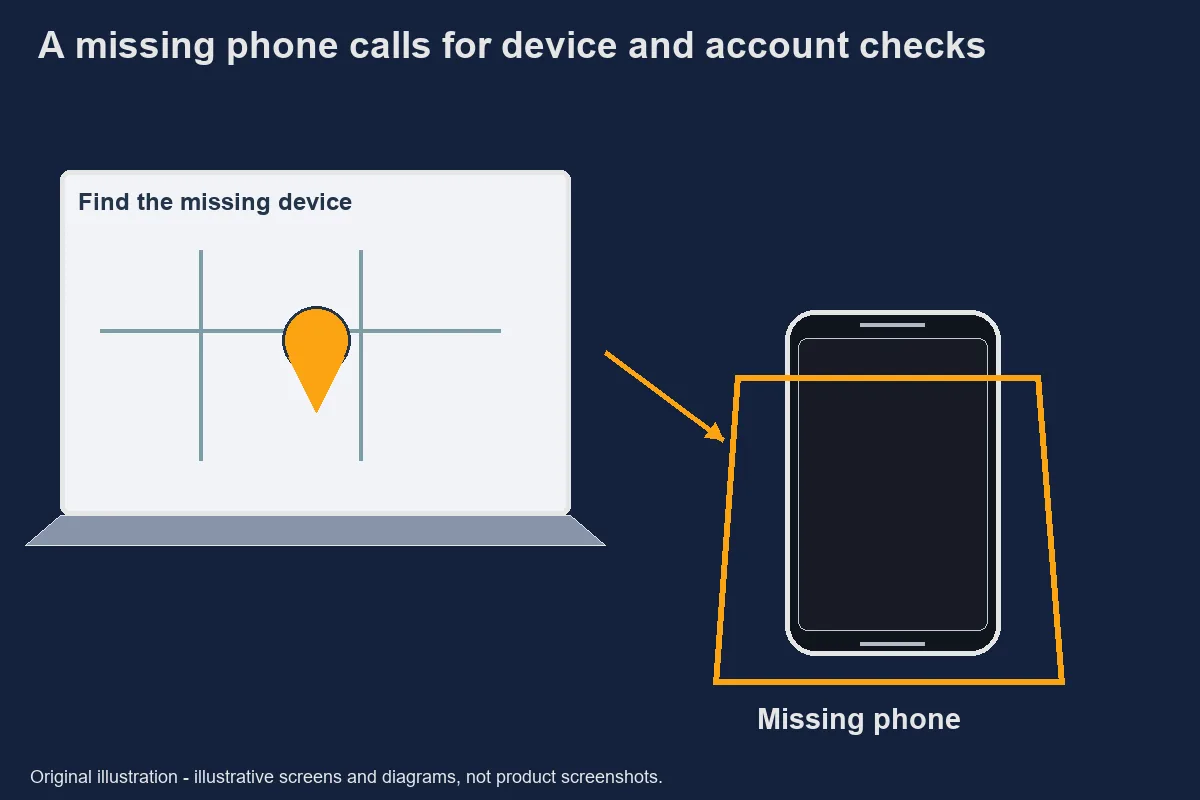
First 15 minutes
Treat the opening period as a prioritisation exercise, not a promised recovery window. Start from a trusted device and obtain the official account or locator route yourself. A message offering to find the phone for a fee is a new identity problem, not automatically part of the manufacturer's process.
Write down the last known time and place while the details are fresh. Separate what you remember from what a locator currently shows. A location marker can have accuracy and availability limits; it is not permission to confront someone or enter private property.
Check the relevant manufacturer guidance. Google describes options for finding, securing or erasing a lost Android device, while Apple describes finding and marking a missing iPhone or iPad as lost. The available action depends on device and account conditions, so do not assume every button will be present.
The “first fifteen minutes” heading is an organisational aid from the outline. It is not a claim that an account becomes safe after a particular elapsed time. Keep acting through verified channels when an important step remains unresolved.
Find, secure, or erase a lost Android device - Android Help · Retrieved 2026-10-31. How to find your lost iPhone or iPad - Apple Support · Retrieved 2026-10-31.Locate, lock or erase
Location, locking and erasure solve different problems and have different consequences. Read the official screen describing the selected action before confirming it. A map helps investigate a location; a lock limits device access; an erase action can remove data and affect later location options.
On Android, Google's current documentation uses Find Hub and explains its available actions. Follow the terminology in the official page rather than a stranger's screenshot. If the device is offline or information is unavailable, record that limitation rather than claiming the request succeeded immediately.
For an Apple device, use Apple's missing-device instructions, including the official Lost Mode process where available. Do not remove the device from an account because an unexpected message says removal is necessary to return it. Check that request against the manufacturer's own guidance first.
Erasure deserves particular care. It can destroy local information that has not been backed up, and the effect on tracking differs by platform and situation. This guide does not choose for you. If the action is unclear, use the manufacturer support route rather than accepting a remote helper's interpretation.
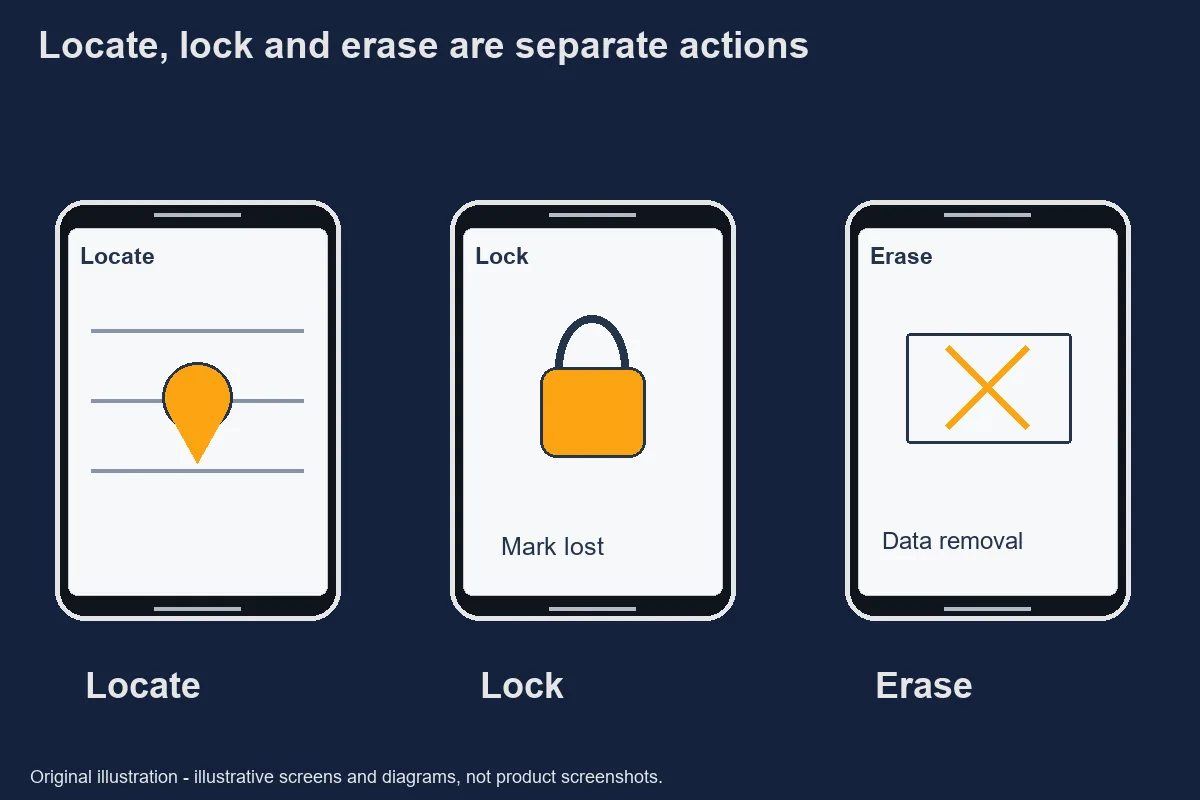
Original safety illustration; not a record of an actual incident. Find, secure, or erase a lost Android device - Android Help · Retrieved 2026-10-31. How to find your lost iPhone or iPad - Apple Support · Retrieved 2026-10-31.Wallet and gaming account steps
Each service needs its own account-protection check because a phone lock does not describe every signed-in session. Contact a wallet provider through an independently recognised route. Keep the device action and the provider's account decision as separate entries in your incident log.
Some services bind access to a registered device, while others may allow sessions on several devices. Do not assume that changing one password signs out every session or transfers every record. Ask the exact provider what action it has taken and what recovery information it requires.
The GCash lost-phone and help pages were discoverable, but the direct retrieval used for this article returned access restrictions. Their current detailed procedure is therefore pending verification [待核實]. We do not reproduce a guessed blocking process, timing promise or recovery guarantee. Use the official GCash app or independently verified help route to obtain the current instructions.
Apply the same discipline to a gaming account. The locator's status does not establish the account's balance, availability or authorisation. Request an account security review without asking another chat participant to log in on your behalf. Do not share credentials as a substitute for the provider's verification process.
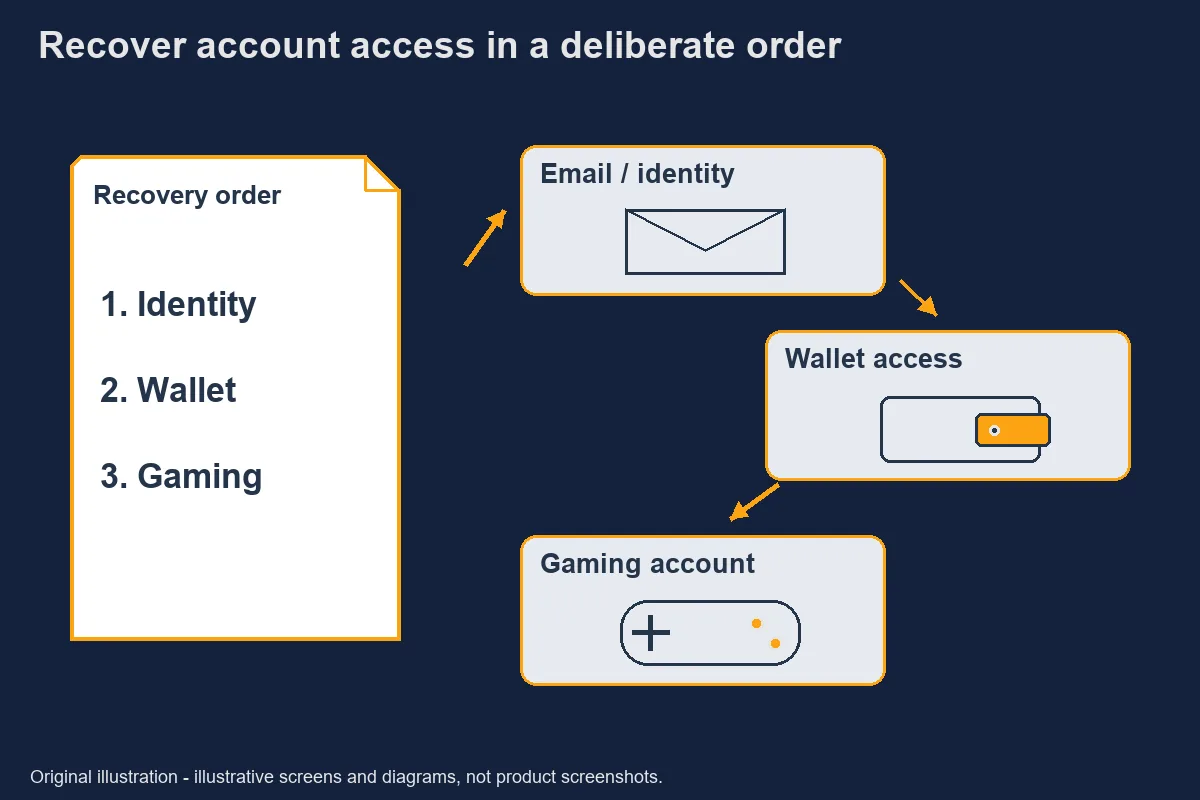
Original safety illustration; not a record of an actual incident. SIM and OTP protection
Protecting the missing SIM is a separate mobile-network task, especially when it receives security messages. Contact the network through its independently verified official support route and describe the loss. Exact carrier steps, identification requirements and completion times remain pending verification [待核實] in this draft.
Do not forward an OTP to somebody claiming to cancel the SIM or release the phone. A security code authorises a specific process; the sender's explanation does not change that process. Read any message on a trusted device yourself and verify the context before approving it.
Review recovery methods on important accounts if the missing number is one of them. Google's compromised-account guidance includes checking recovery information and devices. That is an account-security example, not proof that another wallet or gaming service uses the same controls.
Avoid changing many recovery settings without keeping a private record. In an urgent situation, it is easy to lose track of which address or number now receives messages. Verify each completed change through the actual provider so the response does not create another access problem.
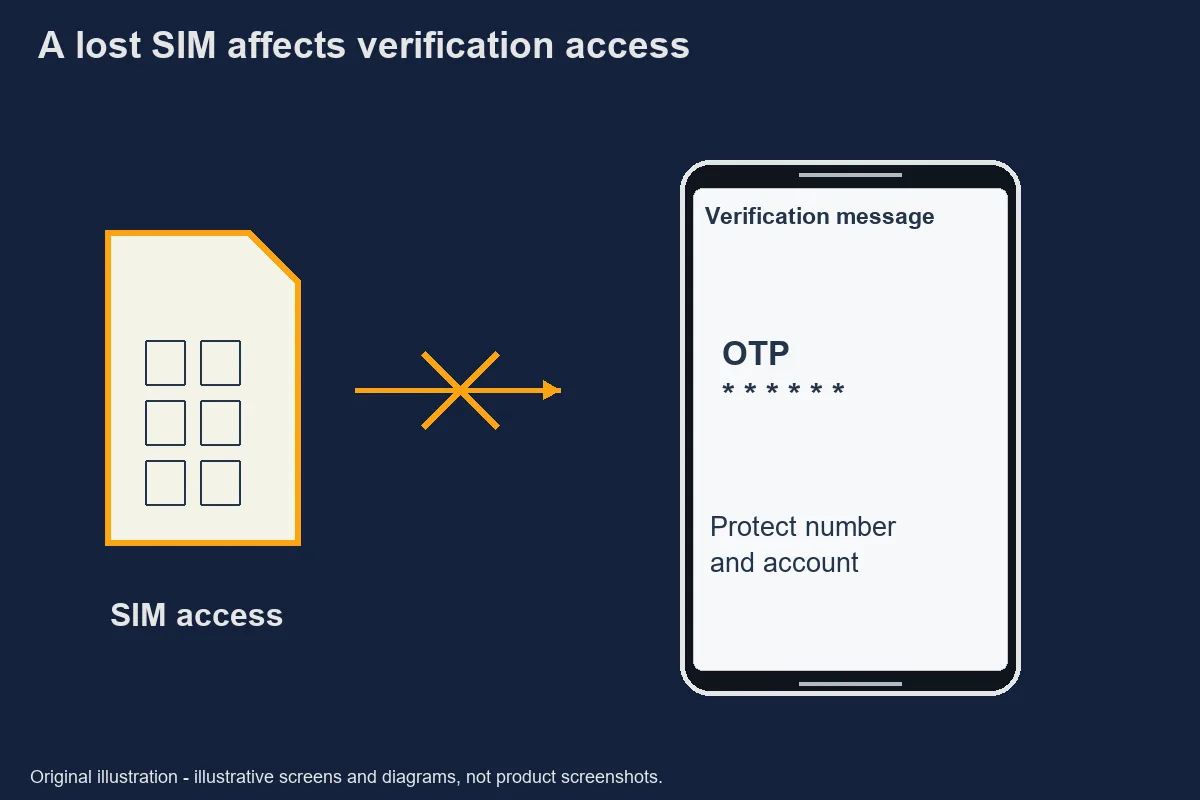
Original safety illustration; not a record of an actual incident. Secure a hacked or compromised Google Account - Google Account Help · Retrieved 2026-10-31.Record for support
A useful incident record separates observations, requests and confirmed actions. Under observations, note when the device went missing and any activity you actually saw. Under requests, record the locator command or service contact. Under confirmations, retain the legitimate provider's case reference and stated outcome.
Keep personal details out of public posts. A device serial number, identification document or financial receipt may be relevant to an authenticated provider process but unnecessary for a community discussion. Provide only what that verified process requires and keep a copy of the submission privately.
If a map position changes, preserve its time and uncertainty rather than announcing a person's guilt. A phone's reported location is evidence with limits. Safety comes before recovering the hardware, and support or law-enforcement procedures should not be replaced with a personal confrontation.
Finish by listing unresolved actions: whether a device command has taken effect, whether the SIM is protected, and whether each account provider has responded. This prevents a single reassuring notification from being mistaken for complete recovery. Continue through the recognised channels until each relevant question has an answer.
When using a borrowed device, avoid leaving recovery documents or account sessions behind. Read the provider's sign-out options and remove private downloads that you deliberately created, without deleting the owner's files. Record any case reference in your own secure location. The borrowed phone is a temporary access point, not a replacement for confirming the security of the missing handset.
Official evidence
- Find, secure, or erase a lost Android device - Android Help
- URL subject and content checked; not operator endorsement · Retrieved 2026-10-31
- How to find your lost iPhone or iPad - Apple Support
- URL subject and content checked; not operator endorsement · Retrieved 2026-10-31
- Secure a hacked or compromised Google Account - Google Account Help
- URL subject and content checked; not operator endorsement · Retrieved 2026-10-31
待核實 / Unverified details
- Their current detailed procedure is therefore pending verification [待核實].
- Exact carrier steps, identification requirements and completion times remain pending verification [待核實] in this draft.
Questions and answers
Should I erase immediately?
Erasure can have permanent consequences and can affect location options. Read the official instructions for the device and situation first. This article does not decide for you or promise that remote erasure is immediately available.
Find, secure, or erase a lost Android device - Android Help How to find your lost iPhone or iPad - Apple Support
Will my wallet still work?
Its state depends on the provider, device registration and any protective action taken. A device lock does not establish a wallet restriction. Check the wallet provider independently; current GCash steps could not be HTTP-200 verified here.
How do I stop OTPs to the lost SIM?
Contact your mobile network through its independently verified official support route and ask about protecting the lost SIM. Exact carrier steps remain pending verification in this check. Do not promise immediate deactivation or disclose codes to a chat intermediary.
What records help support?
Keep the device model, last known time, account identifier, observed activity and legitimate case references. Supply personal identifiers only through the provider’s authenticated process. Avoid posting the record in public groups.
Secure a hacked or compromised Google Account - Google Account Help