An unsolicited support message is not permission for another person to control your phone. Decline the session until you can independently verify who is asking, why control is necessary and what access the tool would receive. If a connection already happened, end it and separate device cleanup from the security of accounts that were visible.
Sources: Secure a hacked or compromised Google Account - Google Account Help How to protect against phishing attacks - Microsoft Defender for Endpoint | Microsoft Learn
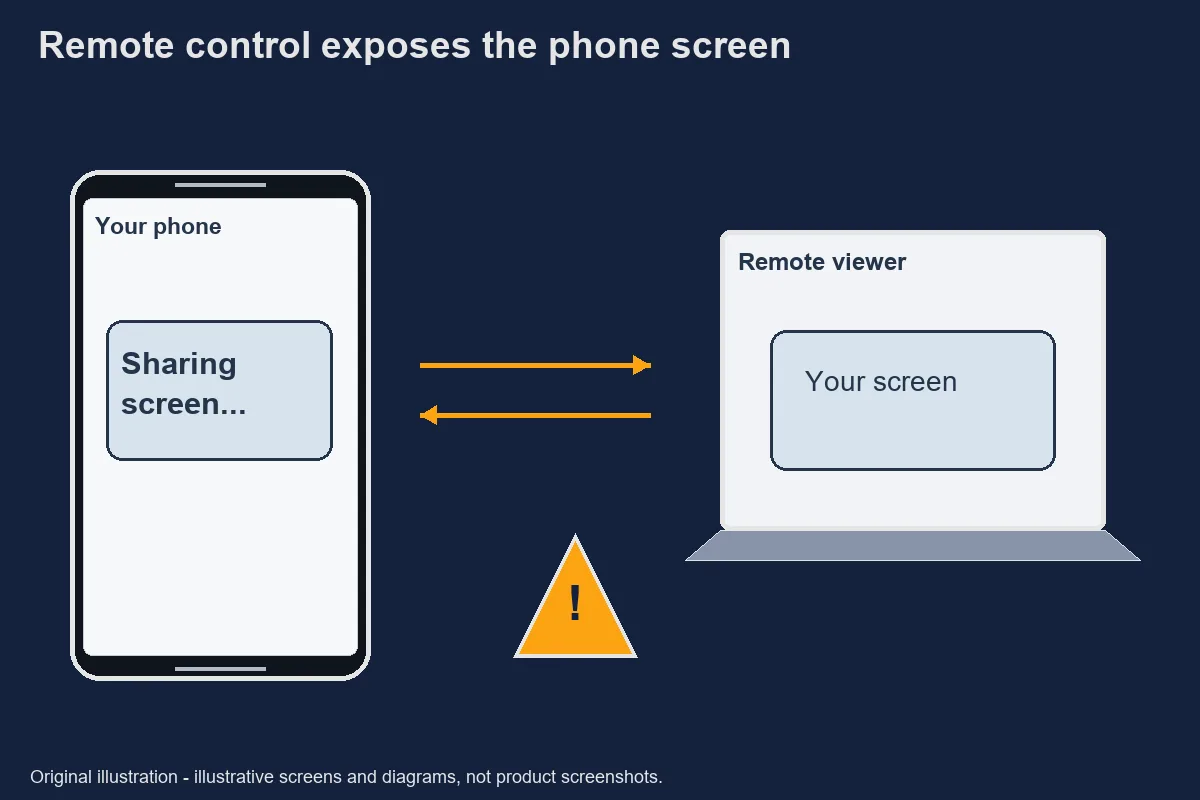
Short answer
You can refuse a remote-access request without completing the sender's proposed troubleshooting sequence. A message that claims authority still needs verification. Microsoft's phishing guidance describes the use of deceptive identities and requests; professional-looking language does not remove that concern.
Ask whether you contacted the service through a recognised route or whether somebody approached you in a chat. That difference does not prove legitimacy by itself, but it changes the evidence available. A newly supplied contact link should not be used as the only way to verify its own sender.
Keep the purpose narrow. Reading an error message is not the same as controlling a device. A request to open a wallet, reveal notifications or approve actions introduces information beyond the original technical question. You can stop when the proposed access exceeds the task you intended.
Secure a hacked or compromised Google Account - Google Account Help · Retrieved 2026-10-31. How to protect against phishing attacks - Microsoft Defender for Endpoint | Microsoft Learn · Retrieved 2026-10-31.How remote-access requests are phrased
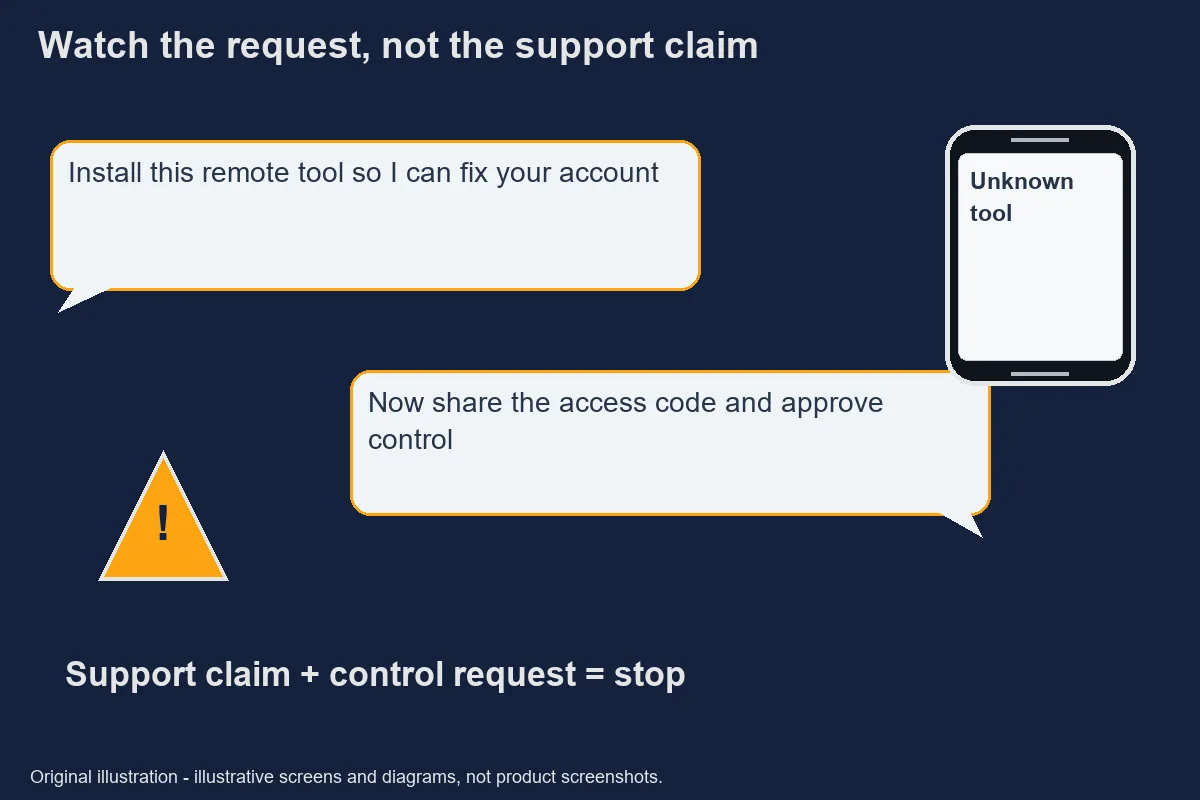
The key warning is a request that moves from explanation to control without a clear, verified reason. Fictional examples include “install this helper so I can fix your account” or “keep the wallet open while I check”. These examples are not quotations from a named company or claims that a particular tool is malicious.
A tool with legitimate uses can still be inappropriate in an unsolicited session. Do not decide solely from its store presence, icon or download size. The identity of the person receiving access and the scope of the session matter alongside the software publisher.
Urgency can suppress useful questions. A sender may say that closing the session will cancel a repair, delay a withdrawal or lock an account. Do not treat those threats as verified system behaviour. Confirm any actual account restriction through the service's own independent help route.
You do not need to argue with the sender or demonstrate suspicion by sending another screenshot. End the interaction and make your own record. That keeps the next decision under your control instead of extending a conversation that has not established trust.
Original safety illustration; not a record of an actual incident. Why screen sharing exposes OTPs
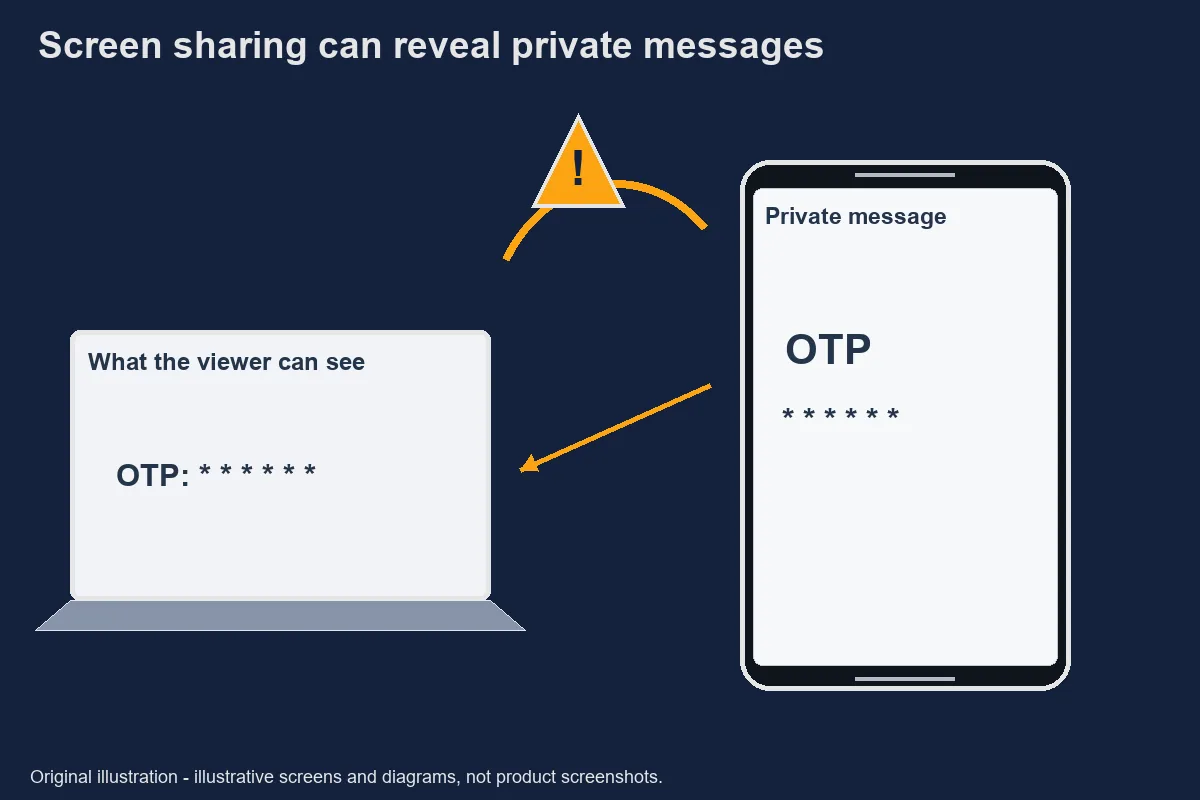
Screen sharing can expose information that becomes visible even when you did not intentionally send a file. A notification, an account balance, an email subject or a recovery page can all appear during an otherwise ordinary task. The exact capability depends on the tool and permissions, so this guide does not claim that every session can read everything.
An OTP is a one-time password or code used in an authentication process. Its short lifetime does not make it safe to disclose during that lifetime. Do not read a code aloud or display it to prove that you own an account. A person asking you to do that is requesting a separate security action.
The same caution applies to approvals. A screen may ask you to confirm access, register a device or change a recovery method. Read the action yourself, away from an unverified session. Do not approve it merely because a remote pointer or voice tells you which button to select.
If a sensitive screen was visible, record which account and which type of information appeared. Avoid claiming that a transaction occurred unless you observed it or have a provider record. A careful distinction between exposure and confirmed misuse helps the account provider investigate.
Original safety illustration; not a record of an actual incident. Removing an installed remote tool
Ending a connection and removing software are separate steps, and neither automatically repairs an exposed account. First stop interacting with the unverified person. Use a trusted device for urgent account checks if the affected phone's state is unclear.
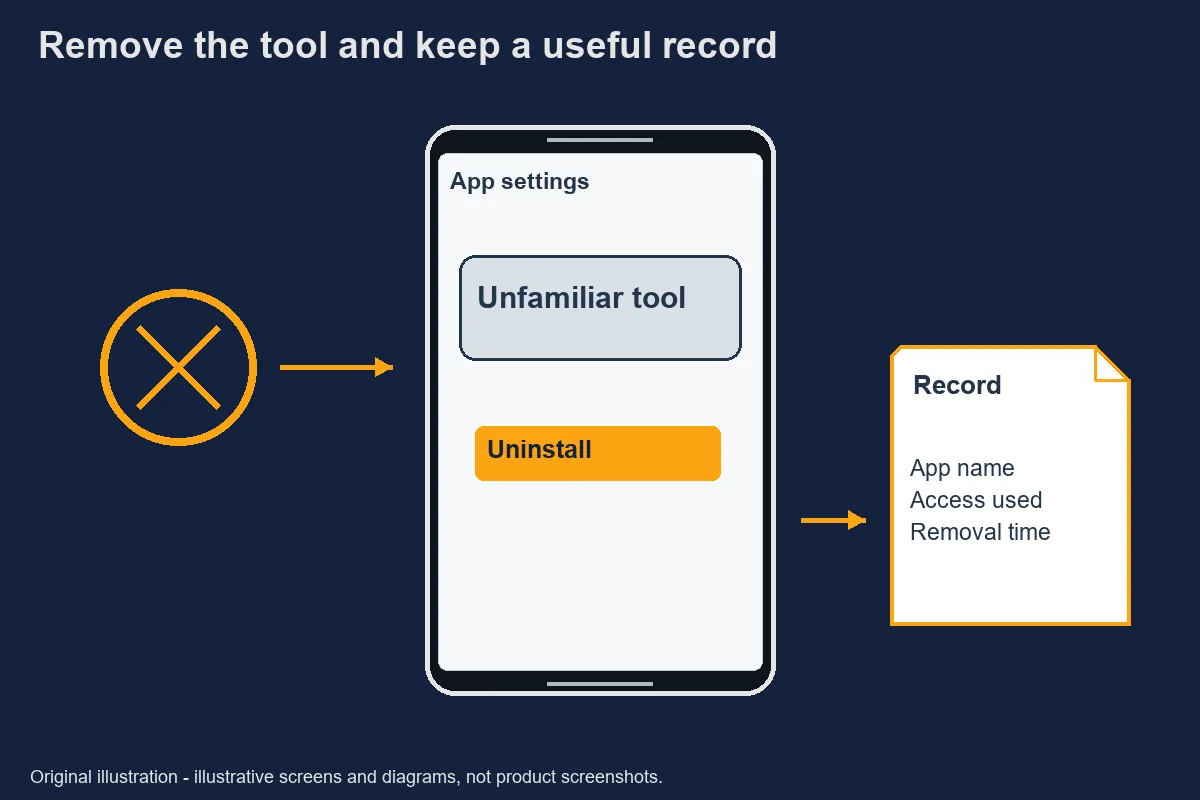
Identify the exact app before removing it. Apple provides instructions for reviewing and deleting apps in its personal-safety guidance. Those instructions concern the device and do not certify the trustworthiness of a particular support session. Follow the procedure that matches your operating system rather than copying menu names from another phone.
Review any special access the tool received using the device's official settings. If removal is blocked or you do not understand the available options, seek help from the device manufacturer through an independent channel. Do not install another unknown tool offered by the same chat contact to remove the first one.
For accounts that may have been exposed, review security events, signed-in devices and recovery details. Google's compromised-account guide provides a clear example for Google accounts. Apply another provider's own documented process to that provider; do not assume Google's controls exist everywhere.
Avoid declaring the issue resolved because an icon disappeared. Removal is evidence about the installed tool, not a complete examination of earlier actions or sessions on remote services. Keep the account checks and the device checks as separate entries in your record.
Original safety illustration; not a record of an actual incident. Secure a hacked or compromised Google Account - Google Account Help · Retrieved 2026-10-31. Review and delete apps - Apple Support · Retrieved 2026-10-31.Reporting and records
Report what was requested, installed and observed rather than giving the event a technical label you cannot support. A useful record includes the tool name, installation source, approximate session time and screens that were opened. Do not publish a personal identifier, OTP or full financial screenshot to make the report look more convincing.
Preserve relevant messages in their original form. A cropped excerpt can be useful for reading, but keep the complete private original so that context is not lost. Record any case reference supplied through the legitimate account provider and distinguish it from a number invented by the chat sender.
Current CICC reporting details remain pending verification [待核實] because the official homepage could not be retrieved successfully in this check. This article does not guess a form or response promise. Account and payment concerns should be raised through independently verified provider channels while that reporting question is resolved.
Before returning to ordinary use, write down what remains uncertain. It might be whether access was revoked, whether a recovery address changed, or whether a provider has confirmed a transaction. A specific unresolved question is more useful than a blanket assurance that removing the tool made every account safe.
Official evidence
- Secure a hacked or compromised Google Account - Google Account Help
- URL subject and content checked; not operator endorsement · Retrieved 2026-10-31
- Review and delete apps - Apple Support
- URL subject and content checked; not operator endorsement · Retrieved 2026-10-31
- How to protect against phishing attacks - Microsoft Defender for Endpoint | Microsoft Learn
- URL subject and content checked; not operator endorsement · Retrieved 2026-10-31
待核實 / Unverified details
- Current CICC reporting details remain pending verification [待核實] because the official homepage could not be retrieved successfully in this check.
Questions and answers
Would real support ask to control my phone?
Procedures differ, so do not make a universal claim about every help desk. An unsolicited gaming-chat request for control is not sufficient authority. Verify the purpose and provider through an independently recognised channel before granting access.
How to protect against phishing attacks - Microsoft Defender for Endpoint | Microsoft Learn
I installed the app—what now?
End the connection and identify the exact tool. Review the access it received, use the device’s official removal process, and secure accounts that may have been exposed from a trusted device. Uninstalling alone does not prove that every session elsewhere ended.
Secure a hacked or compromised Google Account - Google Account Help Review and delete apps - Apple Support
Does screen sharing reveal OTPs?
Anything visible in the shared view may be exposed, including a code displayed in a notification. Capabilities vary by tool and settings. Do not assume a hidden keyboard protects every other part of the screen.
How to protect against phishing attacks - Microsoft Defender for Endpoint | Microsoft Learn
Where do I report?
Contact the affected account or payment provider through a route you independently recognise. Current CICC submission steps were not verified in this check. Preserve the tool name, session timing and observed actions without posting credentials publicly.
Secure a hacked or compromised Google Account - Google Account Help